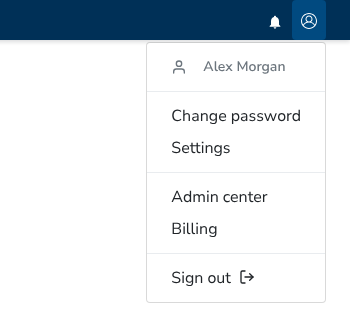
You can open the Settings page from the user button with the person icon at the right end of the header. Under the signed-in name, the menu shows Change password and Settings. It then shows Admin center and Billing, followed by Sign out.
The Settings page has three fields: Name, which you can edit; E-mail, which is read-only and shows the note “Please contact your administrator to change your email address.”; and Language, which is a dropdown of the portal languages.
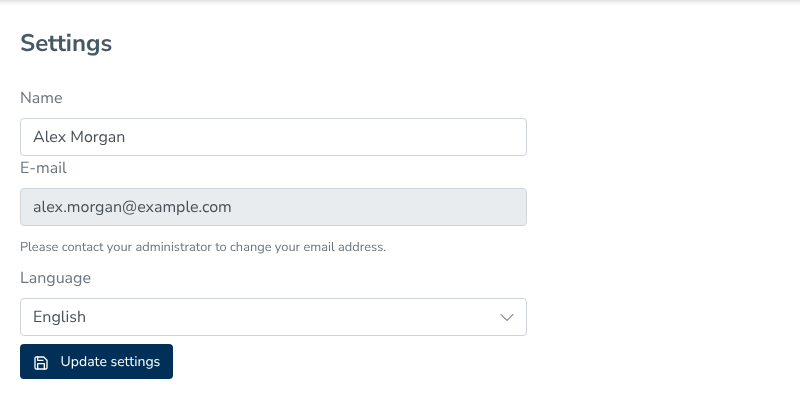
The Update settings button saves the name and language. The name must be valid and cannot be too long. The portal shows an error when the name is invalid or too long. After saving, the portal shows a confirmation. An administrator changes the e-mail address.