Click the Deploy button when you are prepared to deploy your release to a staging or production endpoint after you have tested it. There will be a new modal where you can choose which of your endpoints to deploy to. The release will be deployed to an endpoint after you choose it and click Deploy.
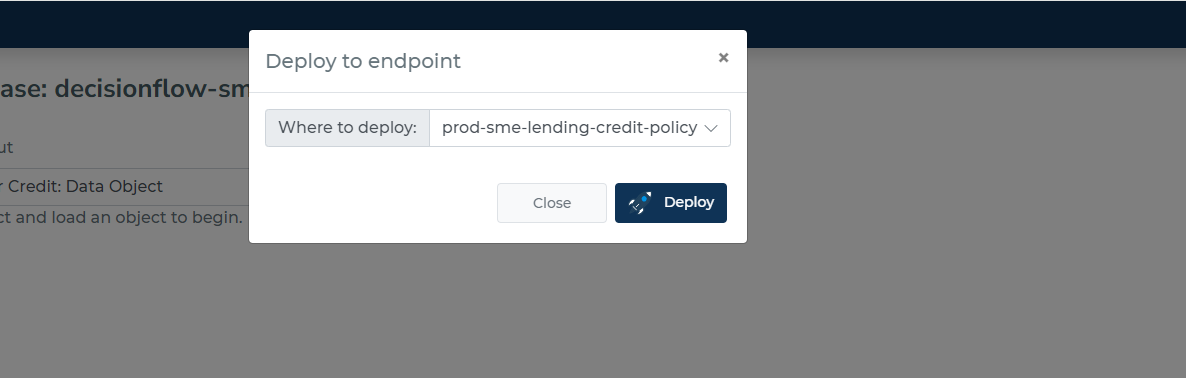
The engine will use the new release to execute decisions at the precise moment that portal notifies you that the release has been deployed.
Rolling back
You might occasionally want to revert to the earlier release method. Simply choose the previous release you had in this situation from the historical releases list and carry out the deployment procedure once more.
Why did a deployment fail?
The reason for the failure of deployment can be that
-
You do not have enough rights to perform deployment.
-
The endpoint you wanted to deploy to has decision flow limitation.
-
Unlikely, yet possible, the platform has issues. In such case, please contact us.