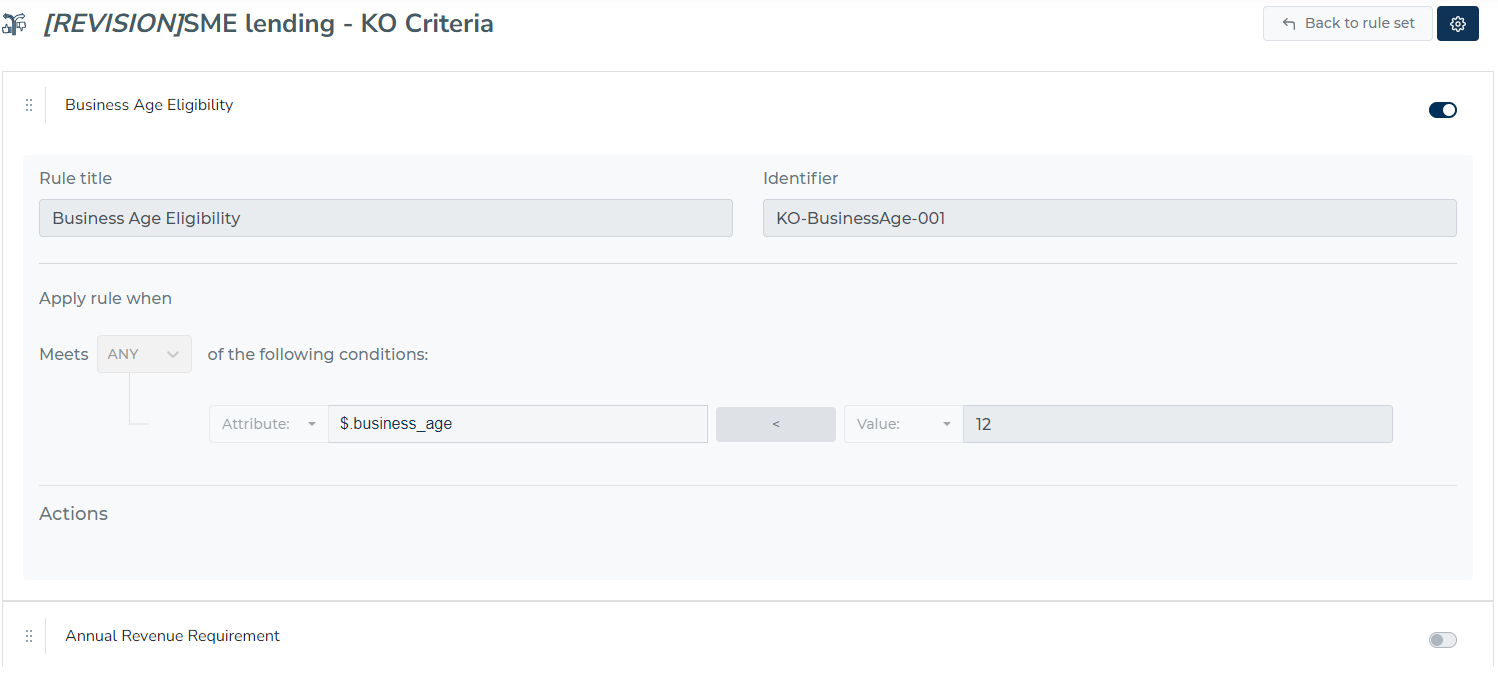
Revision history can tell you what a rule set looked in the historical version. You can review which rules were active, what was the definition, and who made the changes.
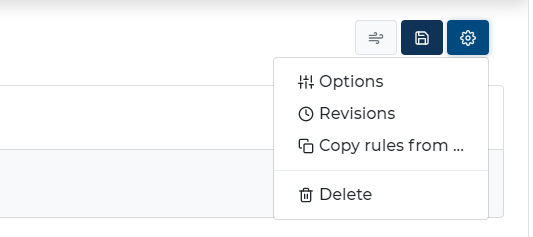
You can review the revision history of a rule set by selecting “Revisions” from the drop-down menu when viewing a ruleset.
A new modal window will appear, with a list of all historical changes and who made them. By clicking the eye icon, you can see the definition of the ruleset at that time.
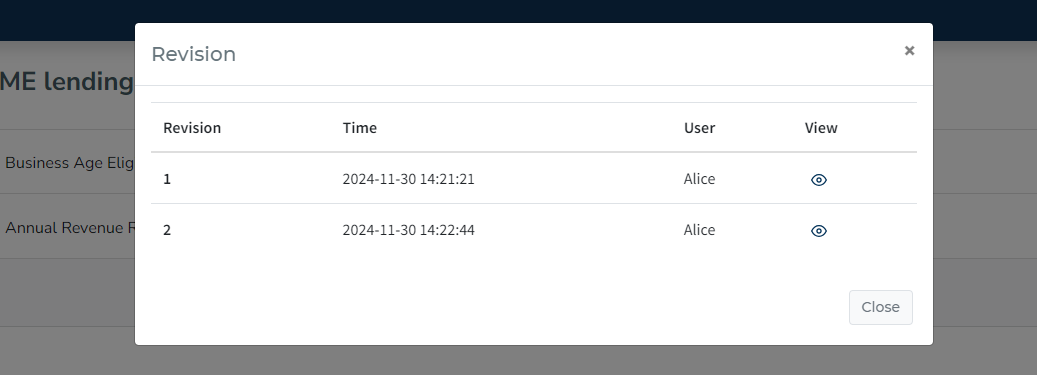
Example of Ruleset revision