A release is a prerequisite for any deployment. It serves as a snapshot of a decision flow, capturing all the logic and changes within it. Once you've created or modified a decision flow and are satisfied with the updates, you must release it to make it available for further testing and deployment.
The Quick Guide
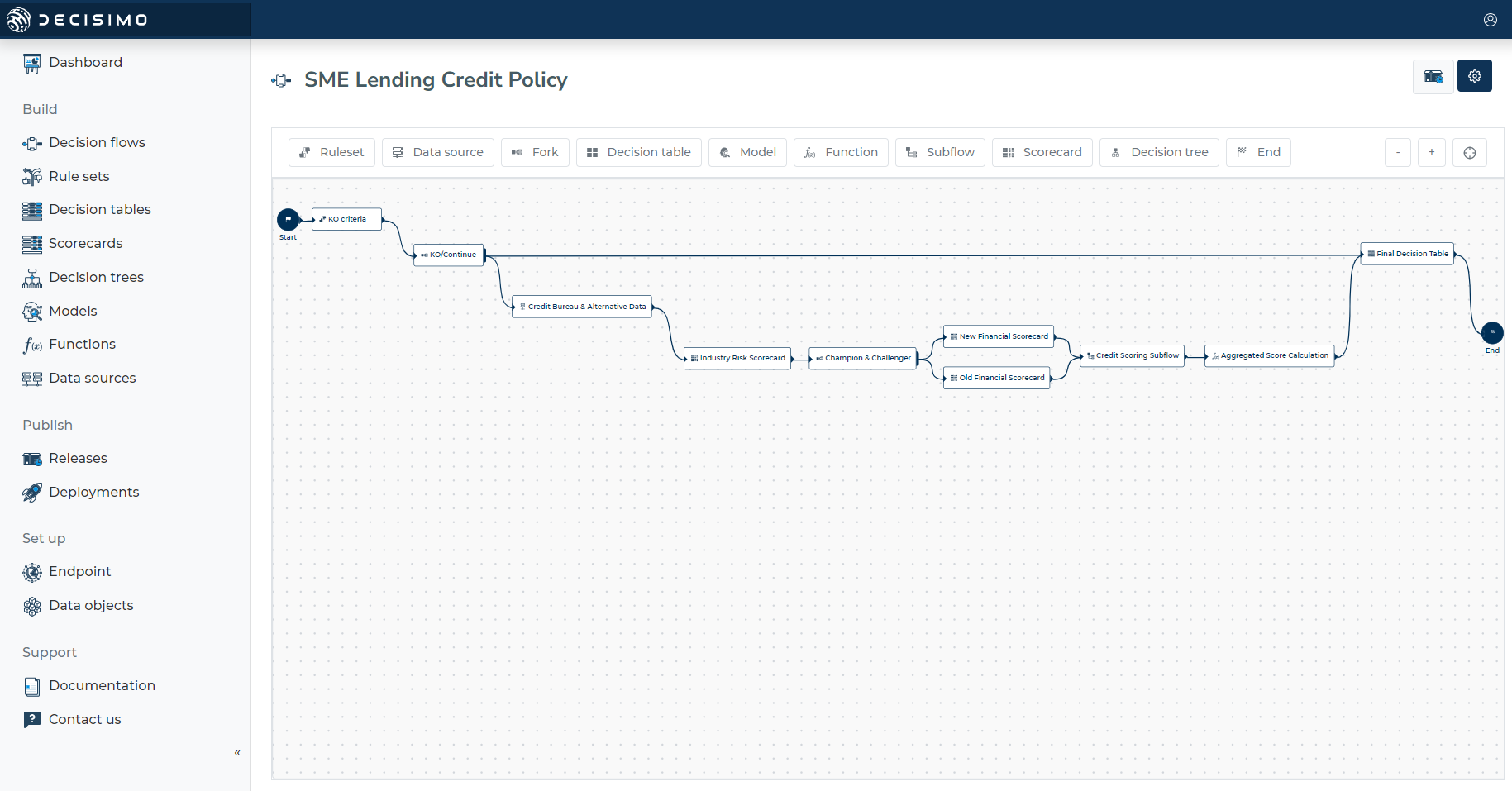
- Go to “Decision flows”
- Choose the Decision flow you want to release.
- In the opened page click the Release Button on the right corner on the top.
- In the opened modal you can click “Go & test it out” if you want to test.
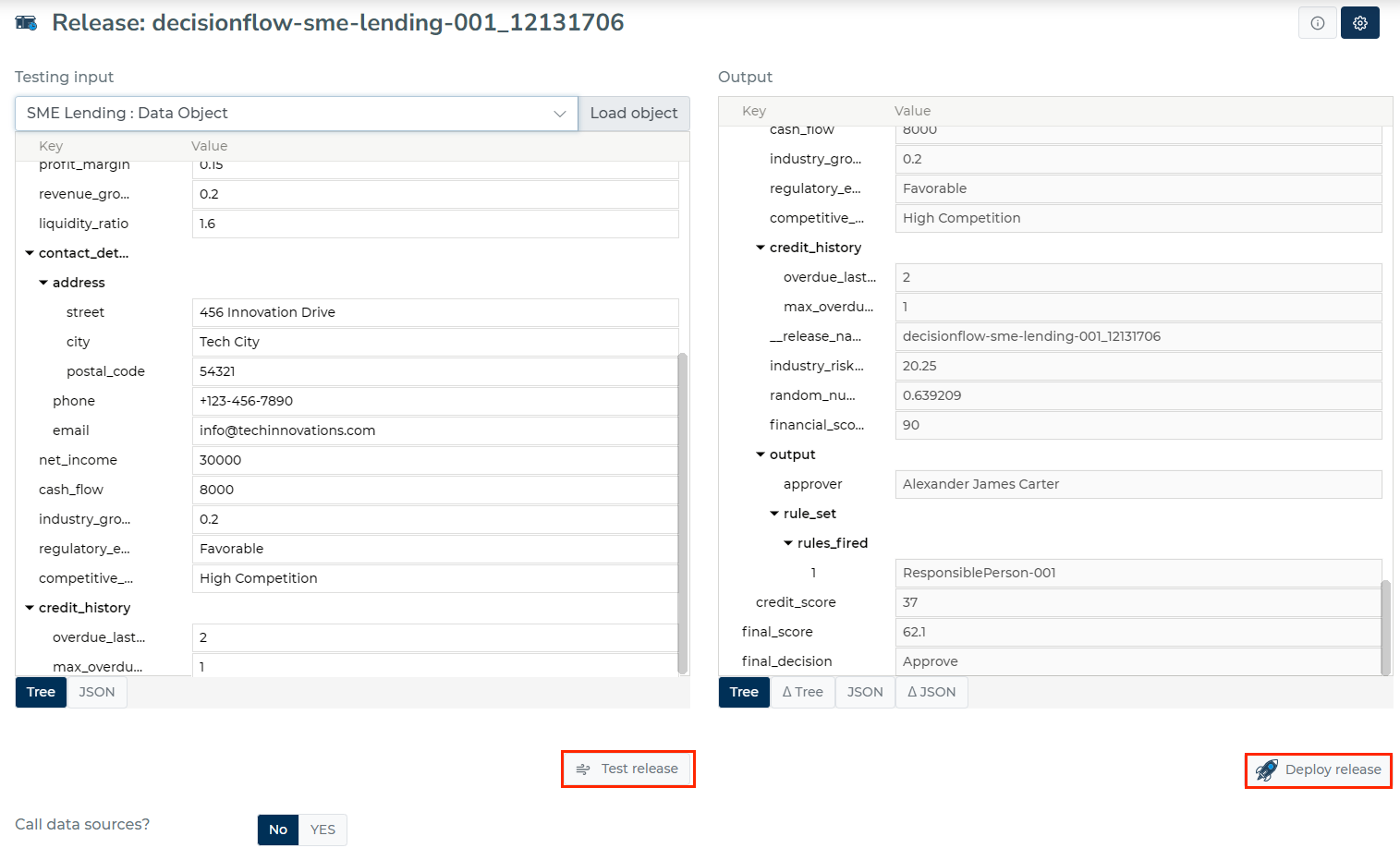
- In the opened page you can test the release (“Test Release” button at the bottom), then deploy it using the “Deploy release” button in the bottom right corner.
Each Release has Data Objects that you can see in Testing Input. You can see the structures of Data Objects as a Table Tree and JSON format.
You can edit the Table Tree and JSON structure of the Testing Input window but can’t edit it in the Output window.
To test the release, you can click Test release, send the input to backend and get the output.
After that you can Deploy the release to an endpoint in staging and, once validated, push it to production.

Release documentation
Access the release documentation, suitable for auditing, by clicking on the settings wheel. From the dropdown menu, select "Download report." This action generates a PDF containing the decision logic of the release.
Compliance checking
Each release includes a Compliance tab where you can verify that the decision logic meets the requirements from uploaded regulatory or policy documents. To run a compliance check:
- Open the release page
- Go to the Compliance tab
- Click "Run Compliance Check" and select a policy document
- Review the results — each requirement is evaluated as compliant, non-compliant, partial, or not verified
Previous compliance checks are stored and can be revisited at any time. For a full guide, see Compliance Check.