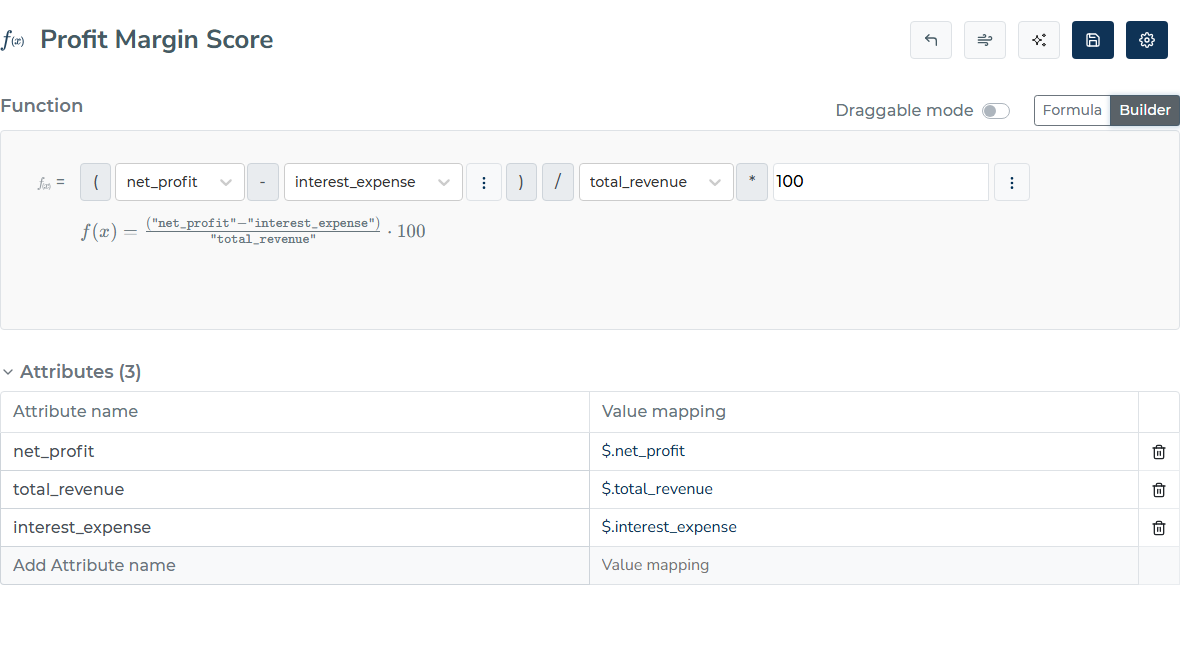
Builder mode is the visual block editor for functions from earlier versions of the portal. We recommend writing formulas as text — it is faster and supports autocomplete — but builder mode remains available for users who prefer it. It may be retired in a future release.
Both modes edit the same function definition: whatever you build with blocks shows up as text in Formula mode, and vice versa. Switching is lossless.
Switching to builder mode
Open a function and use the toggle in the top-right corner of the function box to switch from “Formula” to “Builder”.
Editing blocks
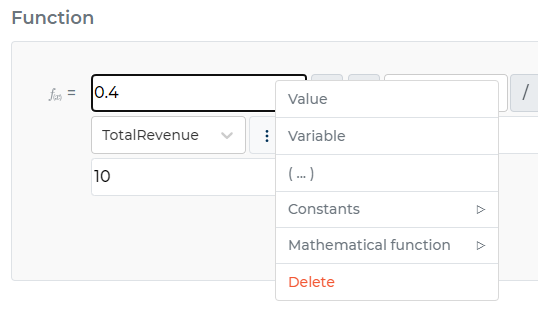
The formula is shown as a row of blocks. Right-click a white box to choose from value, variable, bracket, constants, mathematical functions and delete. If you choose a variable, you will find a dropdown box of your assigned variables to pick from.
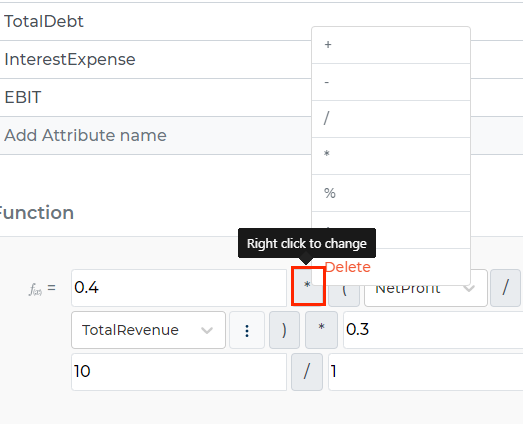
Change a mathematical operation by right-clicking the gray box between operands.
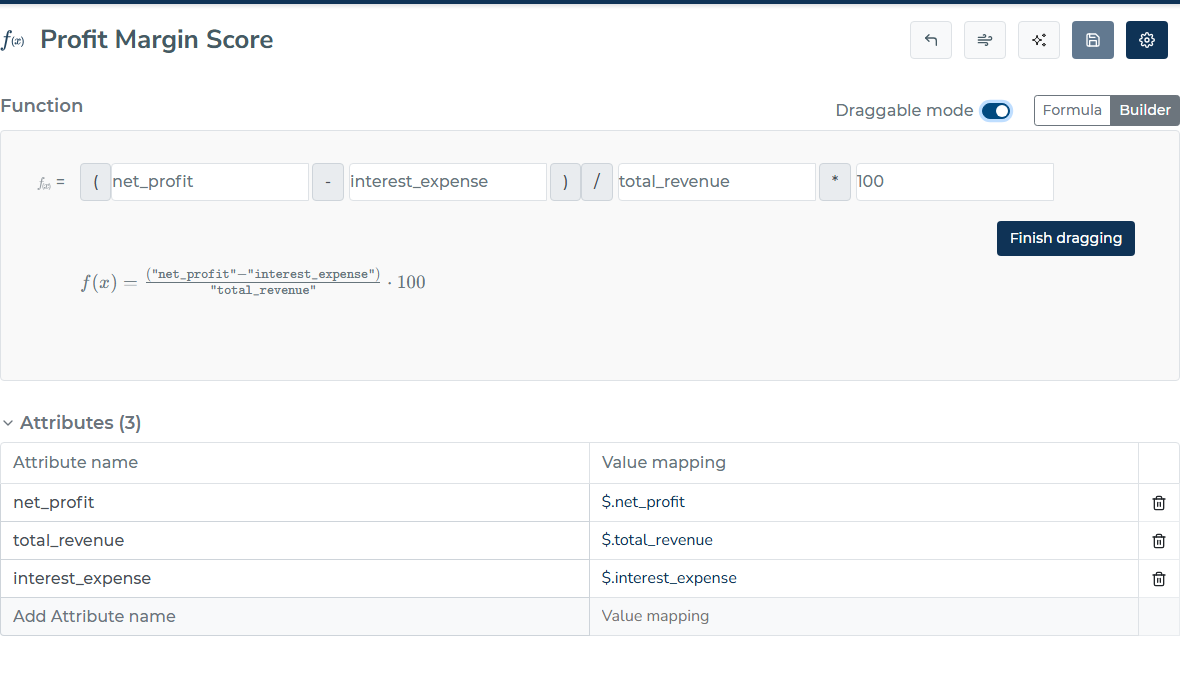
Draggable mode
Inside builder mode you can rearrange formula items by drag and drop. Enable the “Draggable mode” switch, drag any element where you need it, then click the “Finish dragging” button to commit the new arrangement.