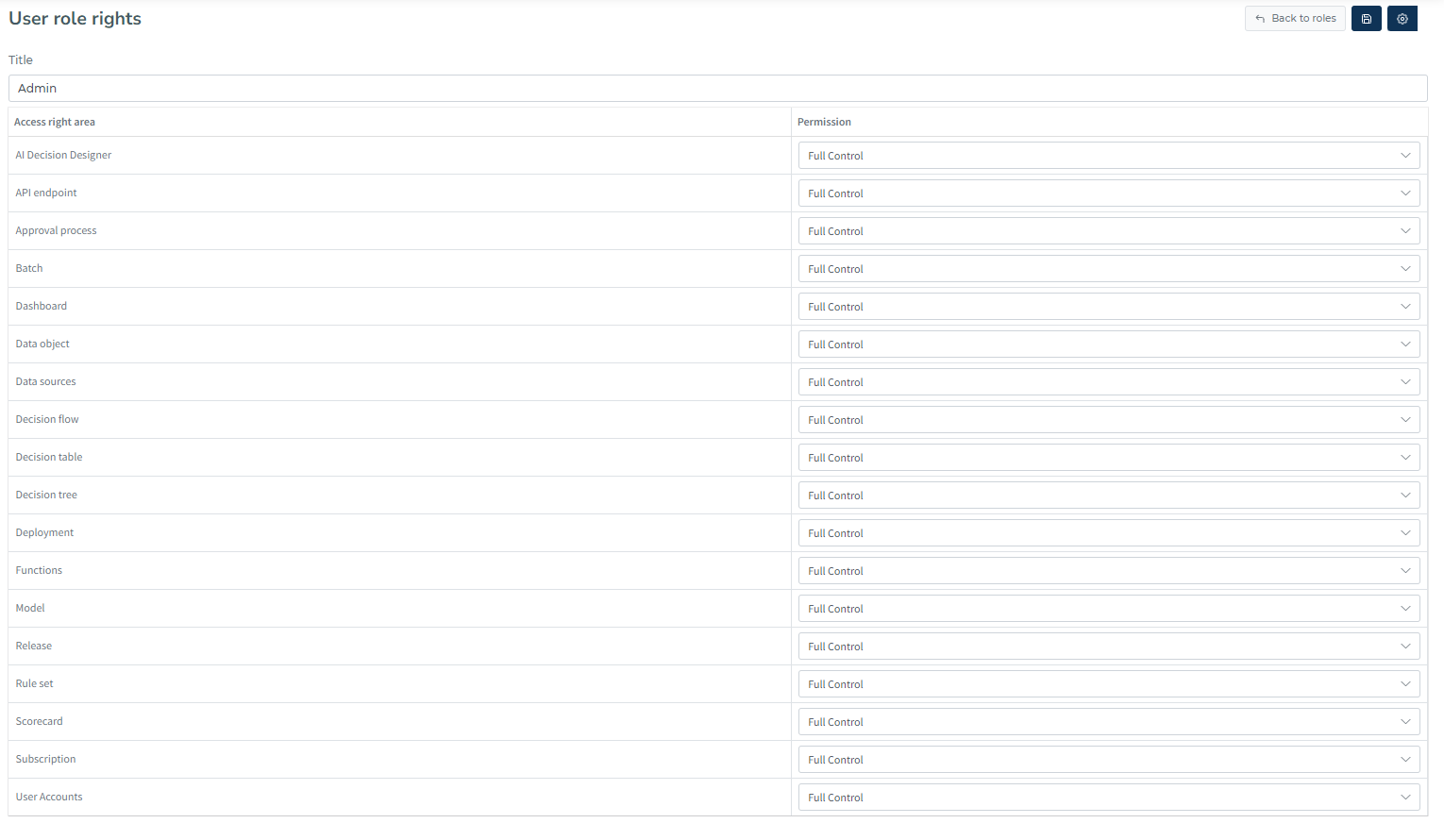
Each tenant has a user role called Admin by default. All rights are now assigned to that role. The decision management portal's various sections each have a different set of rights.
Creating new role
To create a new role, head to User Settings → Admin center → Roles → Add Role.
Define which rights the role will have.
Assign the role to a user.
How to assign a role to a user
To assign your newly created role to a user, go to User Settings → Admin center→ Users → [user name].
In the user definition page, select which role you want the user to be member of. Once you click save, the roles for the user get updated.