There is an “Explain” item in the three-dots menu next to a rule inside a rule set. It has a sparkles icon.
“Explain” also appears in the function editor for the function being edited.
This item is for each specific rule, not the rule set. After you open a rule set, select a specific rule, and click the three dots next to the rule, you can find the “Explain” item for this rule:
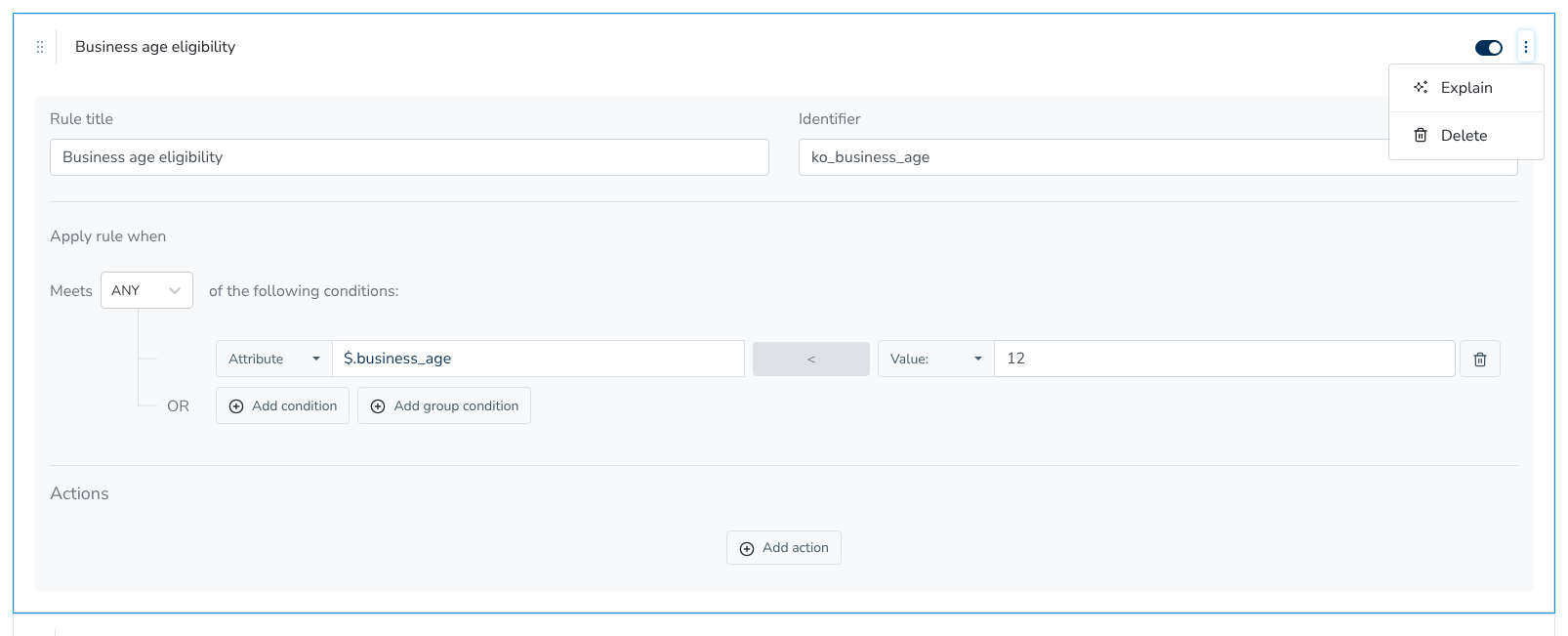
Choosing “Explain” has the AI Decision Assistant explain this rule.