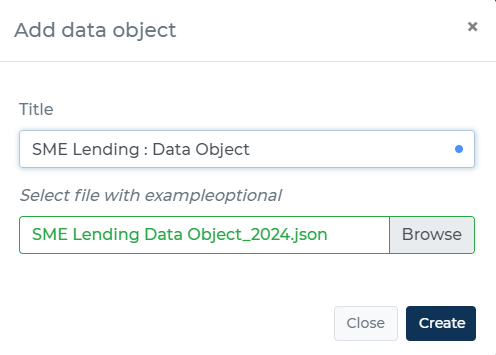
A message containing data that is used to assess the decision logic is referred to as a data object. You are able to upload a sample of your data object to the platform to speed up the development and testing of rules.
This enables you to test your decision flow using actual data, confirming that it is working as intended and assisting you in finding any potential problems before implementing it in a live environment. You can save time and effort while developing your application and increase the dependability of your decision flow by uploading a sample data object.
Your core system sends a data object in JSON format to an endpoint as a decision flow is being executed. The decision logic is then assessed by the engine at the endpoint using the data in the data object, and it is then enhanced with the findings of the assessment.
You can manually define each attribute or import a JSON structure to set up the data object for use in the decision flow. Decisimo uses JSON Path to access and modify the data object's attributes.
Using the JSON Path syntax, you can extract and modify the data as necessary by choosing particular elements from a JSON document. You can efficiently interact with the data object and use the information it contains to inform your decisions by using JSON Path.
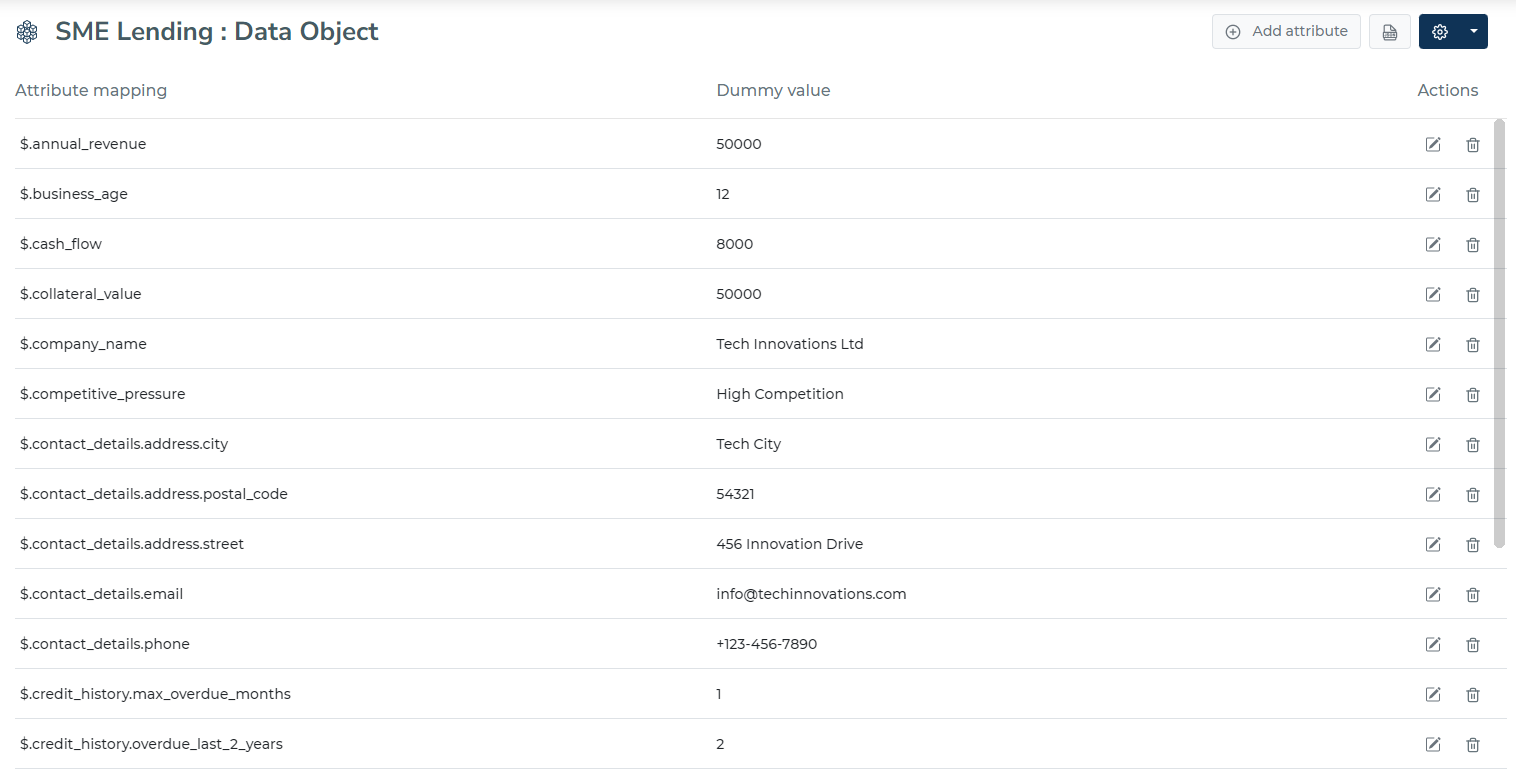
The portal uses your data object to suggest a path for the attribute in your logic definition, making it easier to define your decision logic.
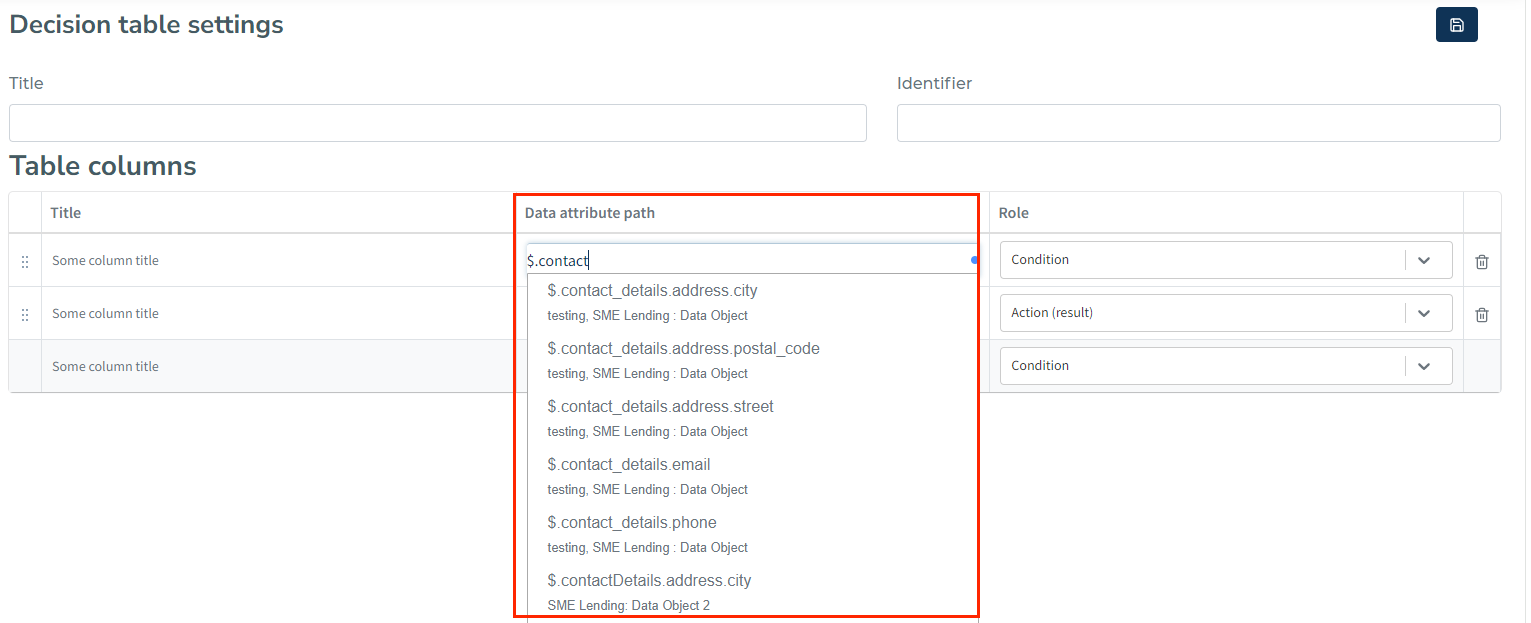
Here is an example where portal suggests the JSON path of the attribute $.contact_details.address.city when you define a decision table:
If you are unfamiliar with the concept of JSONPath, you can learn more about it by reading additional materials on the topic. Read more about working with JSONPath.