This feature is to detect whether there is overlap among rows in a decision table. If there are overlaps, you can use it to quicky find where the overlaps are among the rows.
To use this function, you need to firstly choose a decision table which you want to detect overlap, and click “Settings” button icon at the top right corner of the selected decision table, then select “Check overlap” from the drop-down menu.
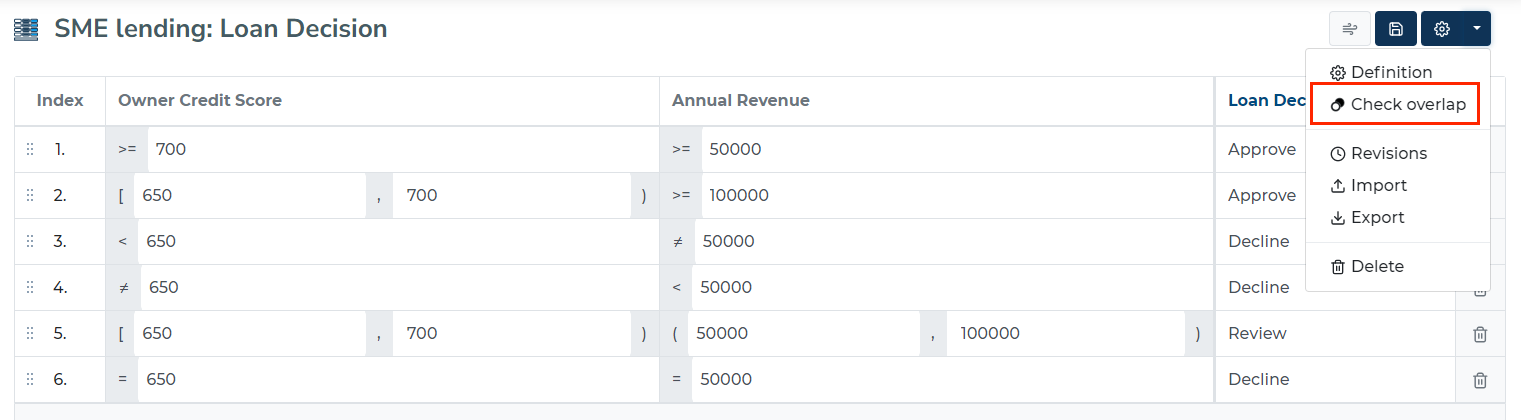
After clicking “Check overlap”, you can see the overlaps among the rows for the selected decision table.