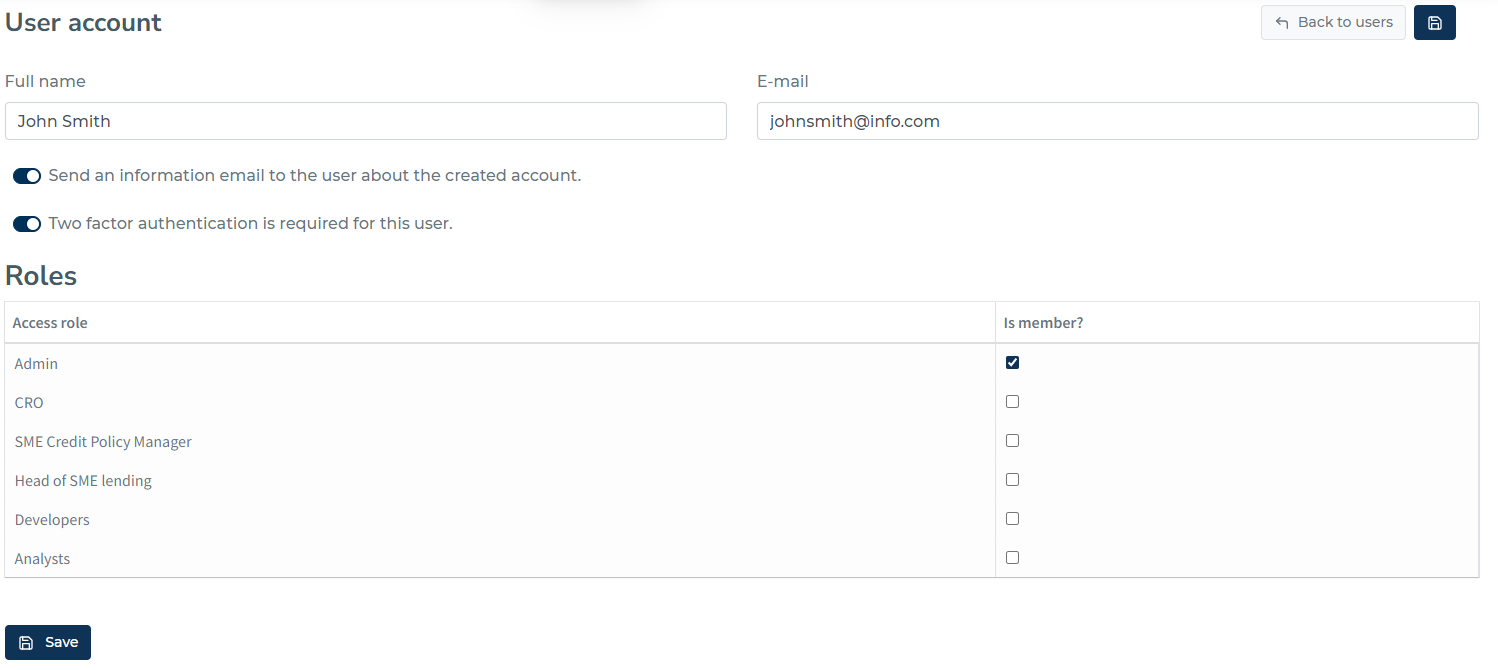
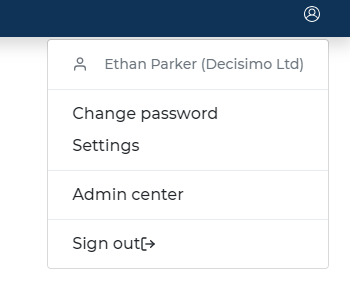
You can go to Users page by clicking on User Settings' button on the right corner of header, after that choosing “Admin center”. On the “Admin center” page, click “USERS”.
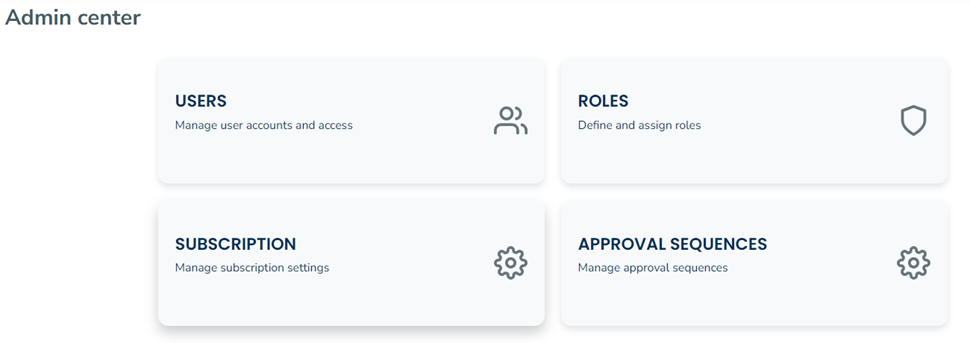
After that you can see the user list.
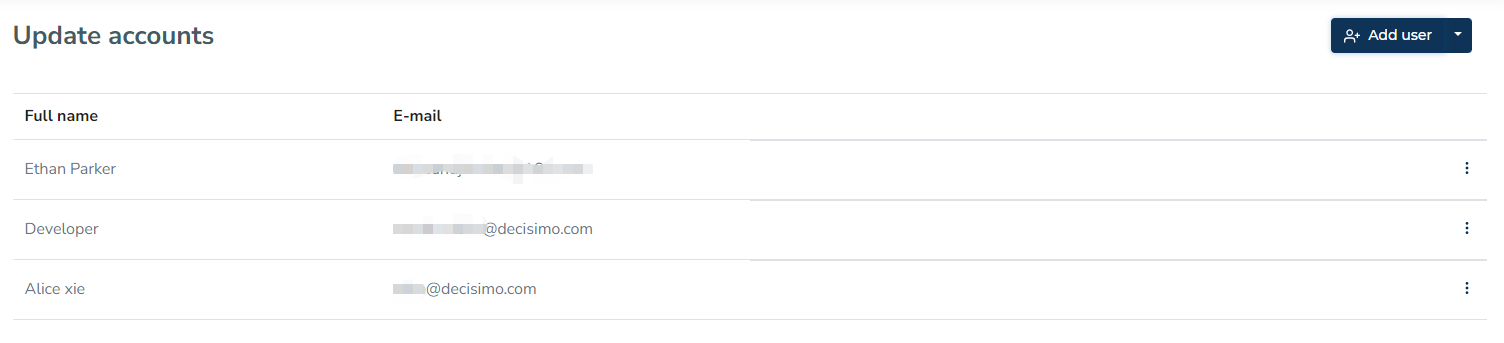
Here you can see how to “Add user“.
To add a new user you need to provide Full name, E-mail and choose role/roles and after that click to Save.