The deployment log lists every deployment in your account, including which release went to each endpoint, who deployed it, and when. Open it from "Deployments" in the "Publish" section of the main menu.
The log
Each row shows the "Decision flow", the "Deployment" (the release deployed), the "Endpoint", and when the deployment finished. Hover over the help icon beside the time to see who deployed it. The newest deployments appear first, and you can sort by every column.
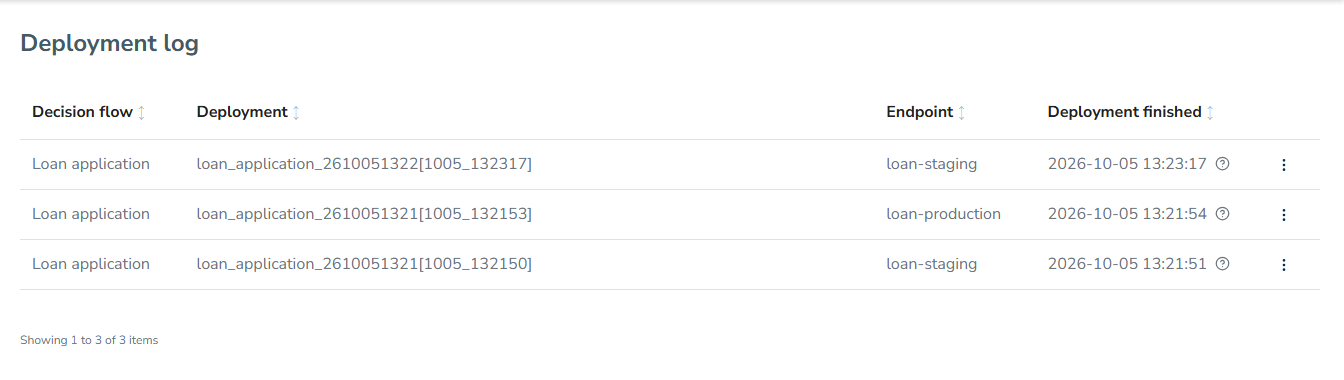
The release page shows the same list for one release on its "Deployments" tab.
A single deployment
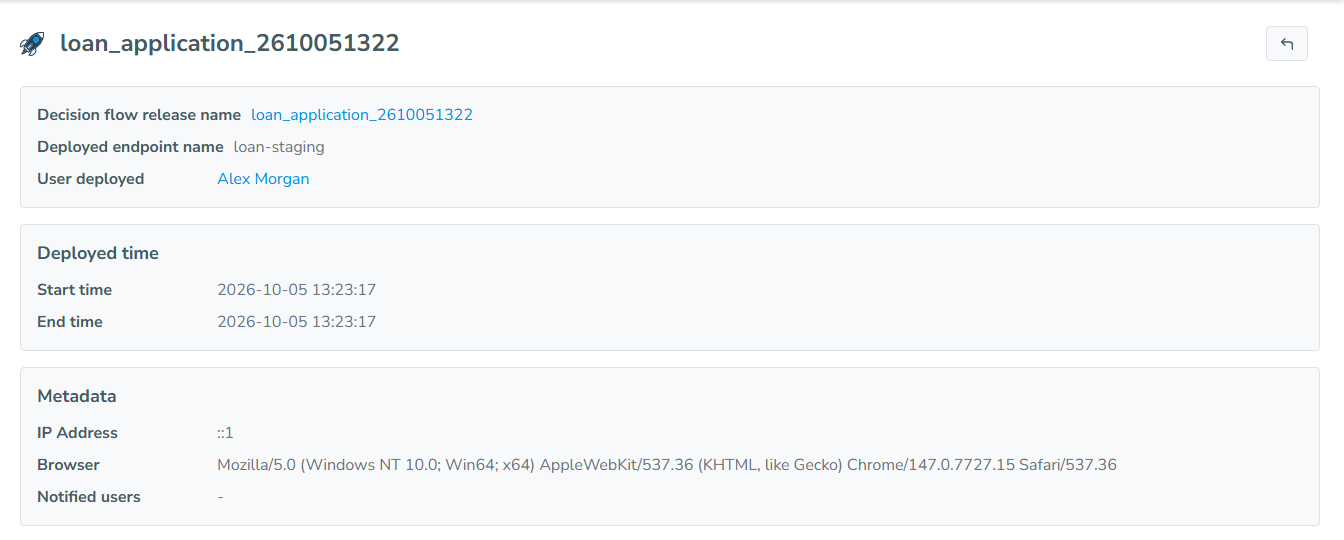
A deployment record shows the release, the endpoint, the user who deployed it, the start time, and the end time or the time it failed. Under "Metadata", it records the IP address and browser the deployment came from, as well as the users who were notified.
Related Documentation: