How to integrate Email Hippo Assess into a decision engine
Connect Email Hippo Assess to a decision engine, step by step. This guide covers API key setup and explains how to create the data source in Decisimo and add the call to your decision flow so email, IP, and optional identity fields are evaluated during sign-up.
Email Hippo provides a service for verifying and profiling email addresses. It can be used to evaluate users during sign-up, which helps prevent garbage registrations and fraud down the road. Its services also include an IP address input, which helps prevent bot-driven registrations.
First name and last name are optional inputs. Because they are sensitive PIIs, you should decide whether to share customer data with another provider at that depth according to your data protection standards.
Get an account API key from Email Hippo
 Email Hippo has no gatekeepers restricting account creation, and no one will force you into a demo call. Go to the Email Hippo sign-up page and create your account.
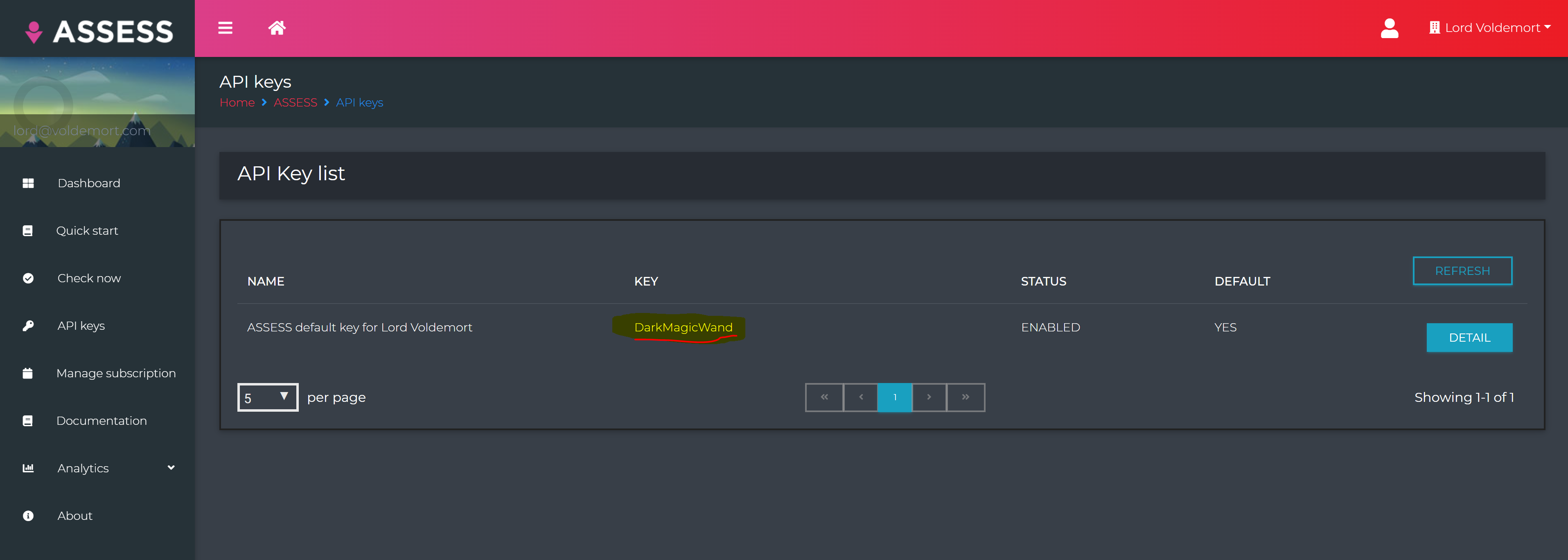
https://signup.emailhippo.com/signup/- After you create your account and log in, open the API Keys Dashboard. Retrieve your API key.
Create a data source in Decisimo Portal
- Select New in Data sources, ask the AI Assistant to configure the provider, then check and apply its proposal.
- Replace the highlighted
__YOUR_API_KEY__with the API key you obtained from Email Hippo.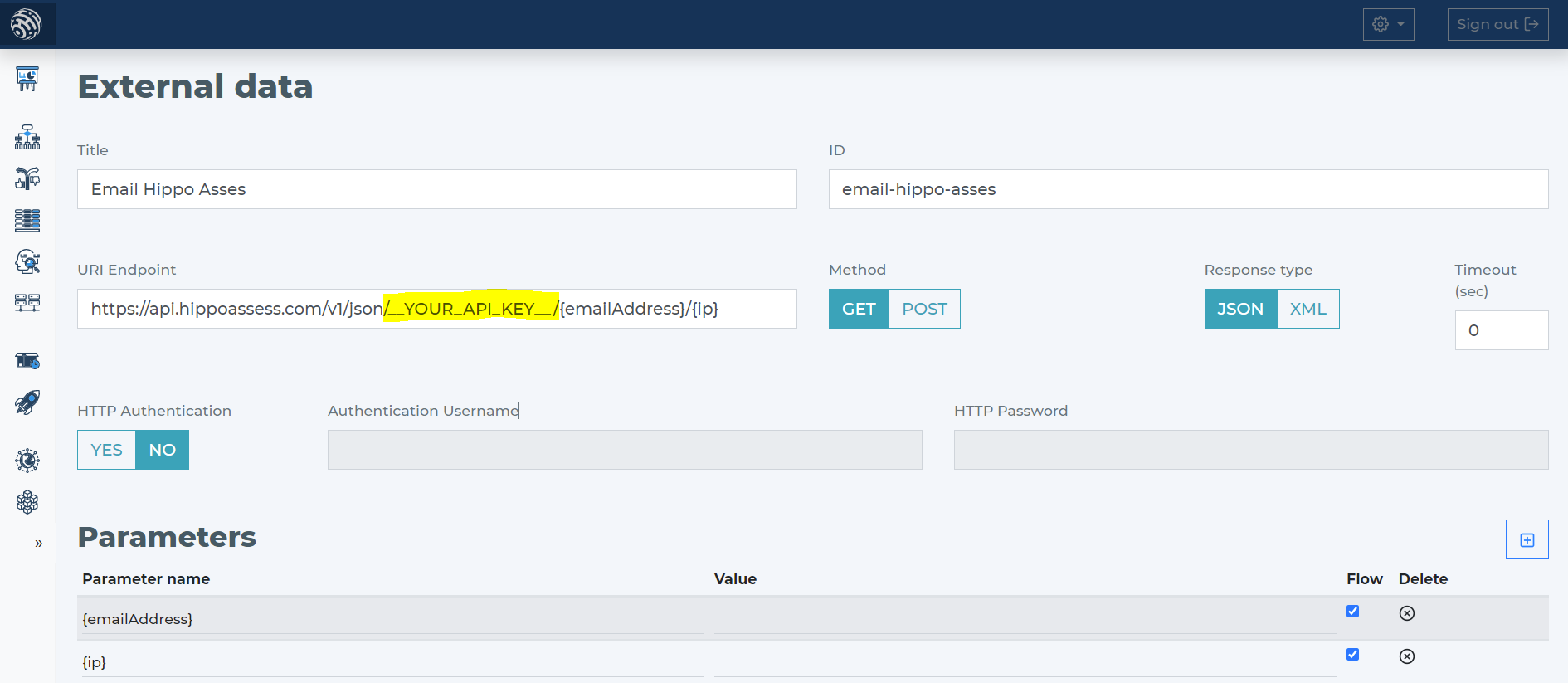
- Email Hippo Assess requires one parameter: the email address. You can also provide other relevant parameters:
- emailAddress
- ipAddress
- firstName
- lastName
- Connect Email Hippo Assess through the AI Assistant by describing its email and IP parameters, then review and apply the proposal.
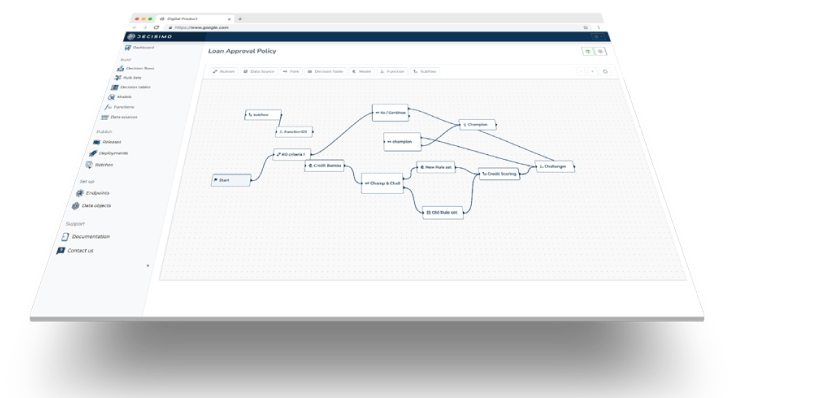
Add Email Hippo Assess data source to your decision flow
- Already have a decision flow step for data sources? Add the Email Hippo Assess call there. The decision engine calls all sources in that same step in parallel, which ensures the fastest execution time.
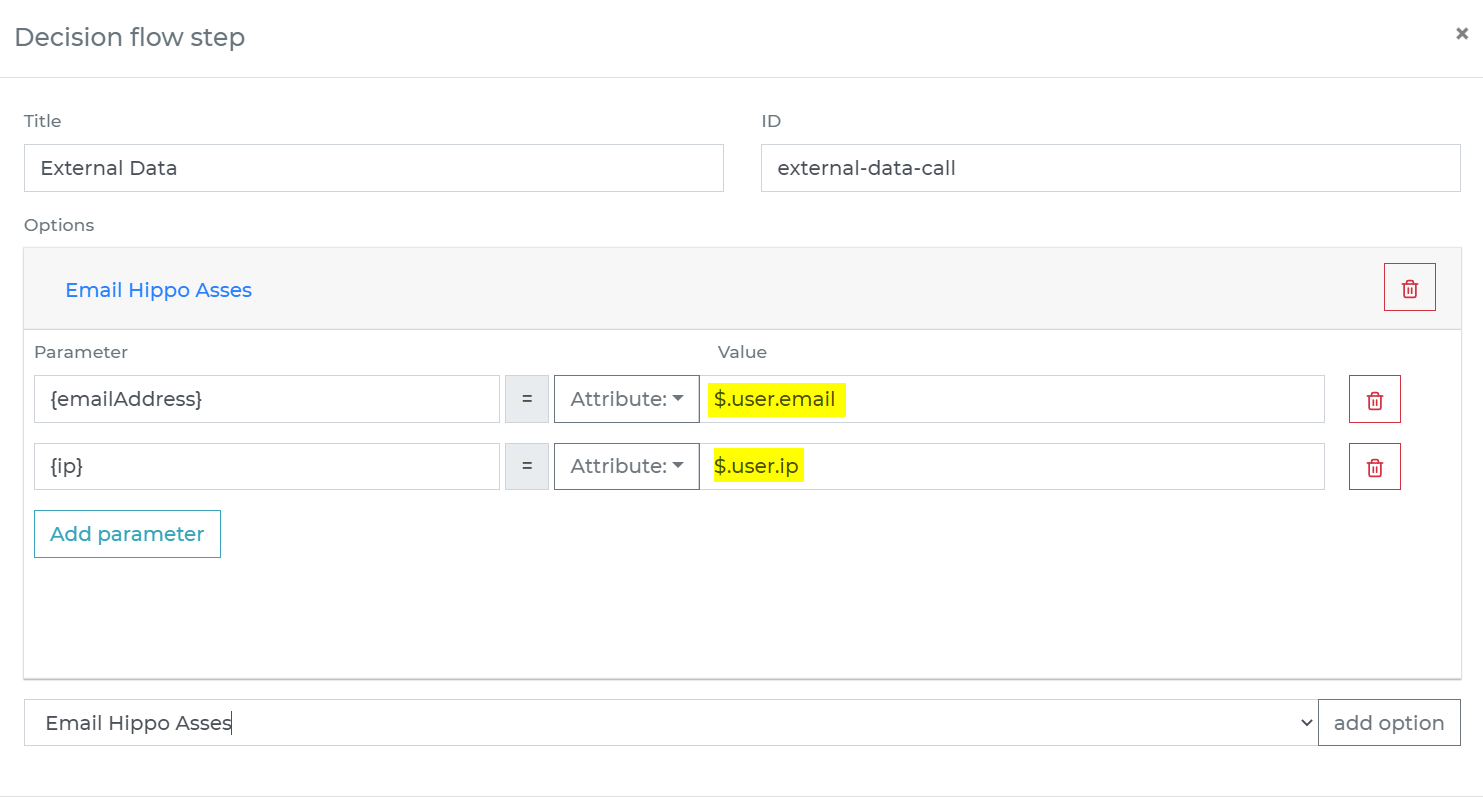
- If your decision flow does not yet include a step for external data, add one. Connect it to your decision flow, then double-click it to open the definition window. In the definition, specify the attributes from your data object that you want to send to Email Hippo Assess.
-
Run the decision making
- Release your decision flow. Deploy it to an endpoint, then make decisions using data from Email Hippo Assess.
Frequently asked questions
How do I connect Email Hippo Assess to a decision engine?
To connect Email Hippo Assess to a decision engine, create an Email Hippo account and retrieve an API key from the API Keys Dashboard. In Decisimo Portal, create the data source with the AI Assistant, review and apply its proposal, then add the Email Hippo Assess call to your decision flow. Release the decision flow and deploy it to an endpoint to make decisions using Email Hippo Assess data.
What data can I send to Email Hippo Assess?
Email Hippo Assess requires an email address. You can also provide an IP address and, optionally, a first name and last name. First and last names are sensitive personal information, so decide whether to share them with Email Hippo according to your data protection standards.
How does a decision engine call Email Hippo Assess alongside other data sources?
When multiple data sources are in the same decision flow step, the decision engine calls them in parallel. Add Email Hippo Assess to an existing data-source step or add an external-data step, then specify which attributes from your data object to send to the service.