How do you create an API endpoint
The five basic steps for creating an API:
Design
- Define the decision logic you want to solve with Decisimo. Then prepare the data you will send to the decision engine. As a rule, send all data you have for the situation you want to evaluate.
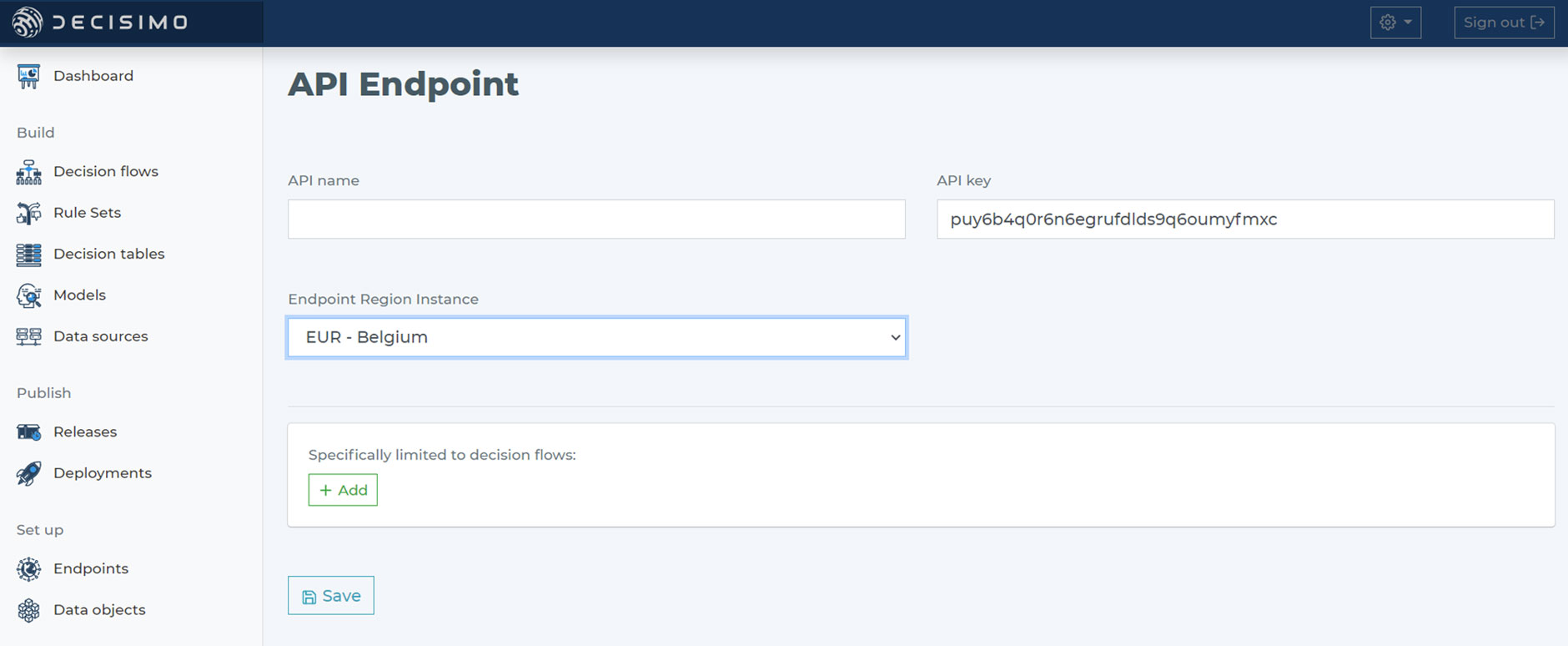
Selecting instance region
- When you choose an endpoint region for the API endpoint, base the choice on data privacy and protection rules. The instance is where your API endpoint will be established.
You can create as many endpoints as you need in different regions.
Testing endpoint
- Because you can create multiple endpoints, create separate ones for testing and production. Before you deploy a new decision flow to production, test it on the testing API endpoint with your preferred tool, such as Postman or SoapUI.
Request and Response payload
- Decisimo API endpoints consume JSON input sent with the POST method. The response is also JSON. It returns the same JSON, enriched or changed within the decision flow.
Deploy your decision flow
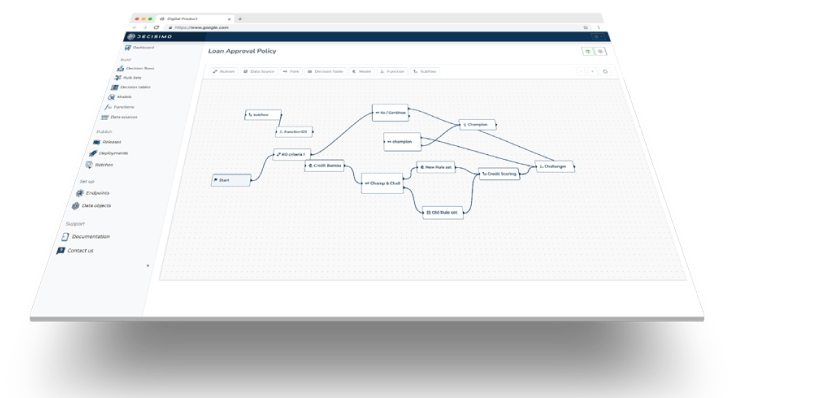
- Build your first decision flow and deploy it to your endpoint to start automated decision making.
Frequently asked questions
How do you create an API endpoint?
To create an API endpoint in Decisimo, define the decision logic and prepare the data to send to the decision engine. Choose a region based on data privacy and protection rules, create separate testing and production endpoints, test the decision flow on the testing endpoint, then deploy it.
What data should I send to an API endpoint?
Send all data available for the situation being evaluated as JSON in a POST request to the API endpoint. The endpoint returns JSON containing the same input, enriched or changed within the decision flow.
How do you test an API endpoint before production?
Test a new decision flow on a testing API endpoint before deploying it to production. Create separate endpoints for testing and production, and use a preferred tool such as Postman or SoapUI to run the test.