How to integrate HaveIBeenPwned into a decision engine
HaveIBeenPwned is a free service that allows internet users to check if their personal data has been compromised or "pwned" in a data breach. The service collects and analyzes hundreds of data breaches containing email addresses and other personal information, and allows users to search their own email addresses in the HaveIBeenPwned database to see if their private data has been leaked or obtained without their consent.
Users can also subscribe to HaveIBeenPwned to receive alerts whenever their personal data appears in a new data breach. Additionally, the service has a paid API service to query on the fly information about an email. This is useful in various antifraud use cases for real-time decision-making.
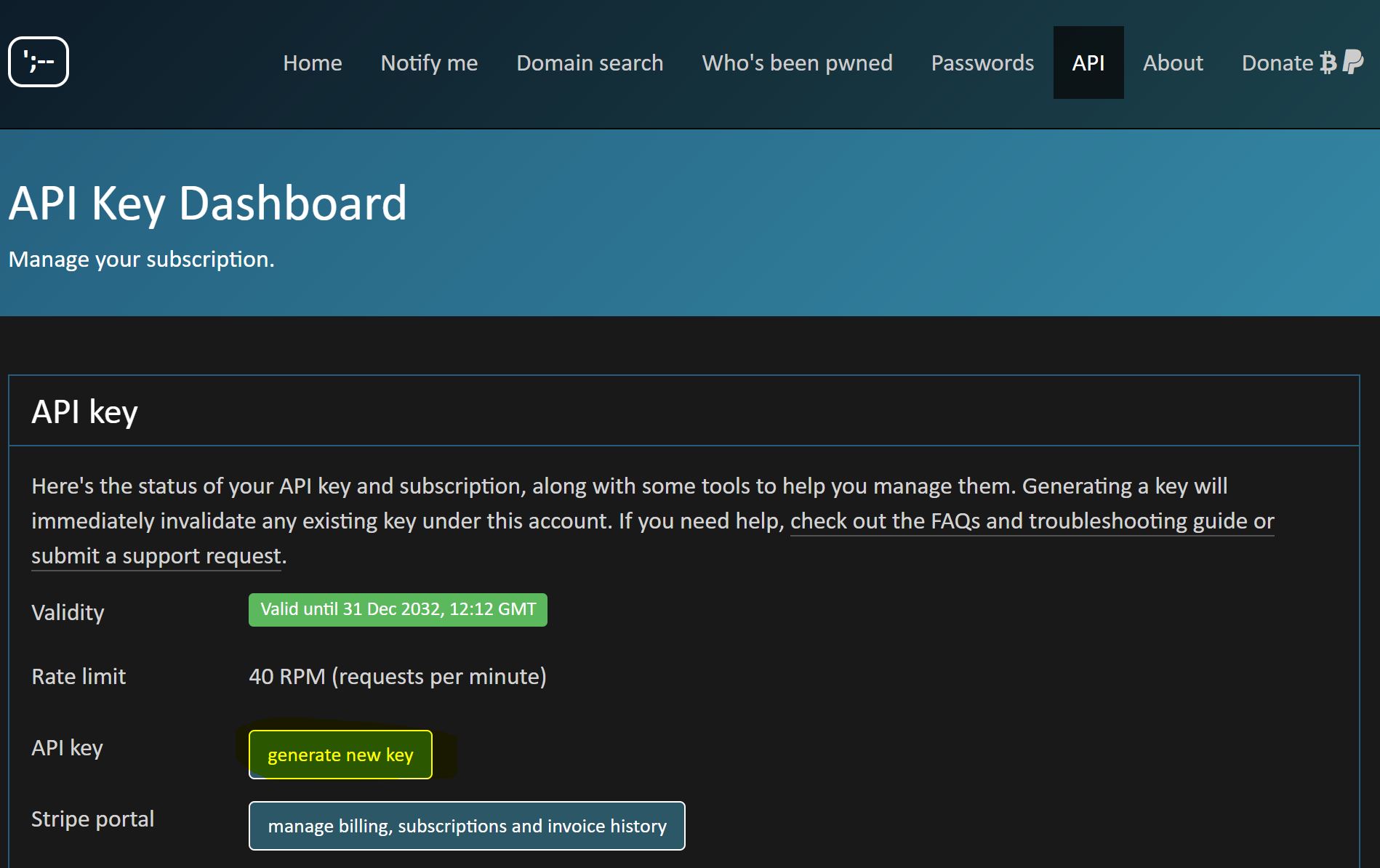
The API Key section and “generate new key” button show where to retrieve the key before creating a data source in Decisimo Portal.
You can quickly integrate HaveIBeenPwned in Decisimo and use it together with other services for evaluation of your eCommerce transactions.
Create an account and get your API Key
 Sign up for an account on HaveIBeenPwned if you do not have one yet. Choose the account that fits you best, or just start with a free tier.
https://haveibeenpwned.com/API/Key- Once you log into your account, head to FraudLabsPro Dashboard, and in the License Overview box look for API Key. We will need the API Key for next step.
Create a data source in Decisimo Portal
- Select New in Data sources, ask the AI Assistant to configure the provider, then check and apply its proposal.
- In the External data definition page, change the API key to the key that you have obtained from FraudLabs.
- Review the data fields that you can provide and that you are unable to provide. There are two main types of data – technical and business. Technical fields need to be always included. Some business attributes are required, and some are optional.
-
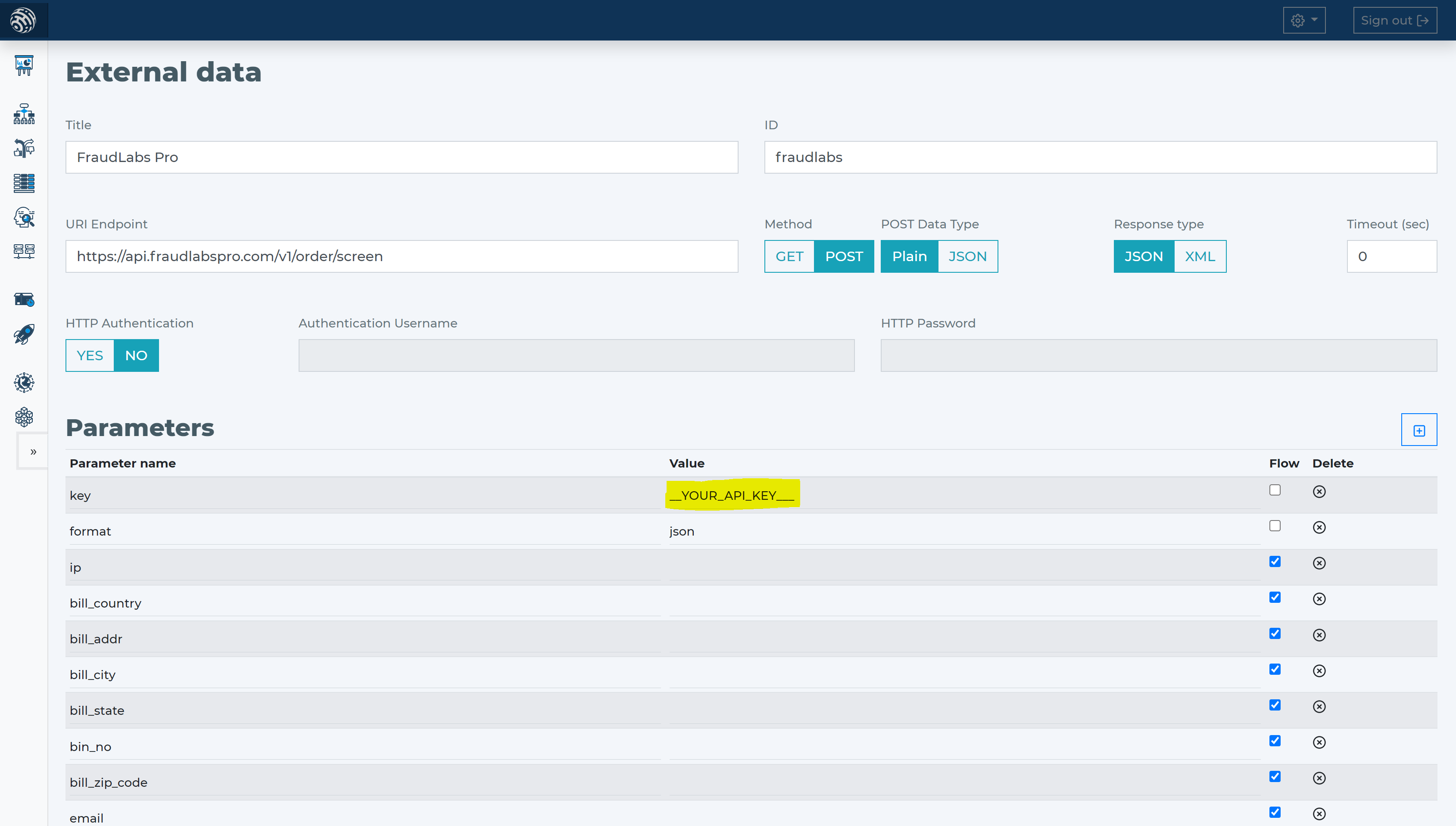
- In Data sources, choose New and ask the AI Assistant to connect HaveIBeenPwned. Check its proposed HTTP method, endpoint, parameters, headers and authentication. Confirm your API key is in key, leave format as JSON, and apply it.
- HaveIBeenPwned requires only the IP address of the customer making the transaction. All other attributes are optional. For getting the most from HaveIBeenPwned, try to provide the most attributes possible.
- The least information for good antifraud evaluation is apart from price and currency, also billing address, email address, email, and card-related information. Within HaveIBeenPwned that means attributes:
- bill_addr
- bill_city
- bill_state
- bill_country
- bill_zip_code
- bin_no
- amount
- currency
- Tell the AI Assistant the provider and its HTTP call. Check the proposal against the parameters below.
Add HaveIBeenPwned data source to your decision flow
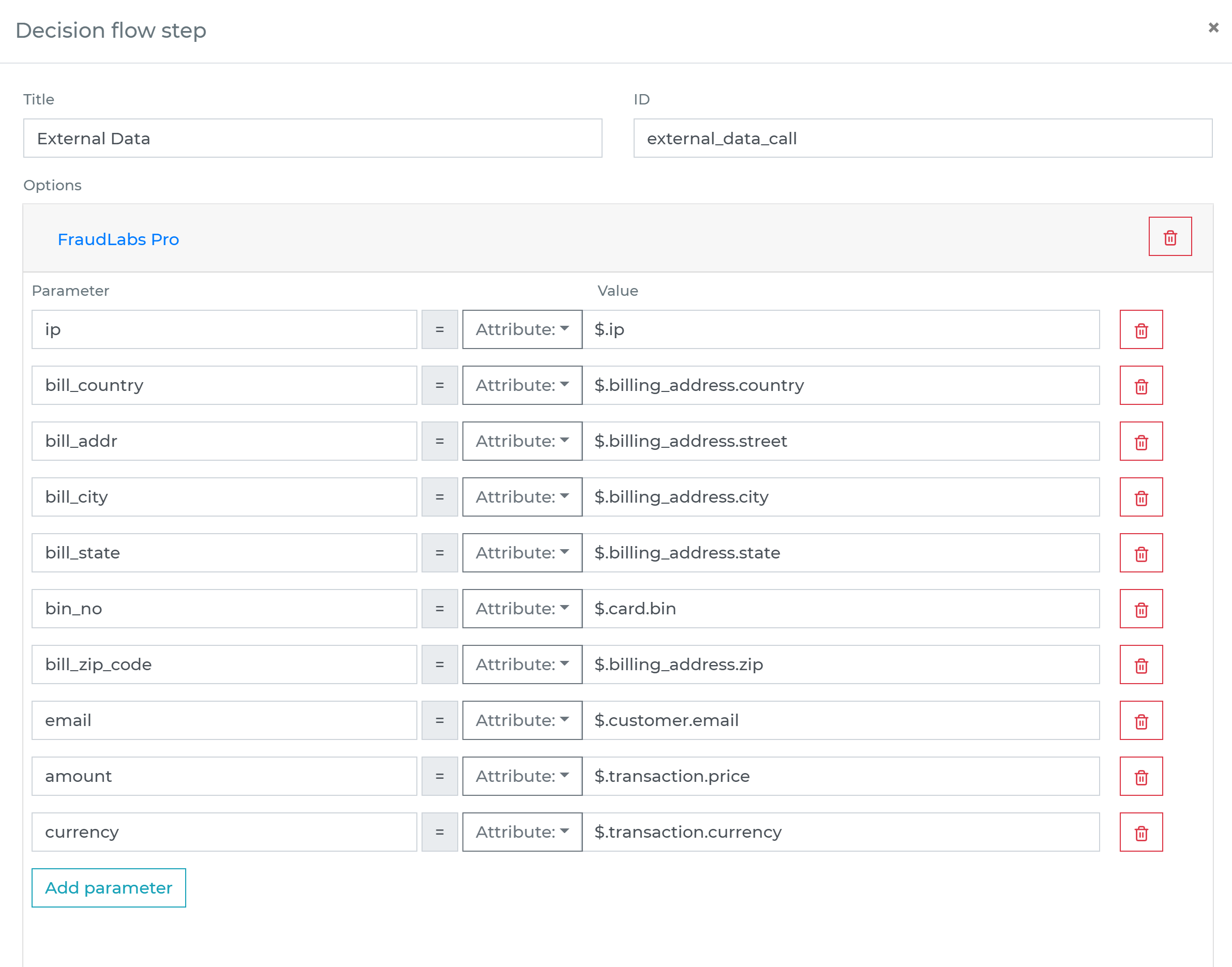
- If you already have a decision step for data sources, you can add the call to HaveIBeenPwned within the same step. The decision engine will call all the sources in the same step in parallel. Parallel calls ensure the fastest execution time.
- If you do not have a decision flow step for external data, add one. Connect your decision flow step and by double-clicking, open the definition window. Define in the step the attributes from your data object to be sent to HaveIBeenPwned verification.
-
Run the decision making
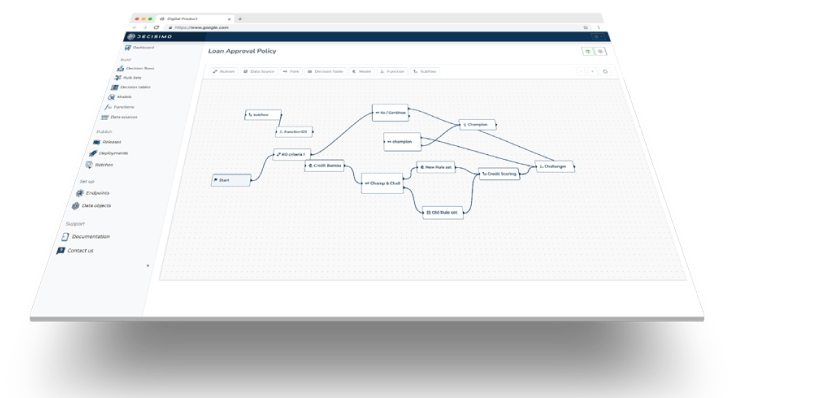
- Release your decision flow, deploy to an endpoint and make decisions using data from HaveIBeenPwned.
Frequently asked questions
What is HaveIBeenPwned used for in fraud checks?
HaveIBeenPwned checks whether an email address or other personal information appears in known data breaches. Its paid API can be queried during a transaction, so a decision engine can use the response as part of a real-time antifraud evaluation.
What information does HaveIBeenPwned need to check a transaction?
HaveIBeenPwned requires the customer’s IP address, and the other attributes are optional. You can also provide transaction details such as an email address, billing information, card-related information, price and currency for the evaluation.
How do I connect HaveIBeenPwned to a decision engine?
Create a HaveIBeenPwned account and obtain an API key, then create a data source in Decisimo Portal. Ask the AI Assistant to propose the connection, review its HTTP method, endpoint, parameters, headers and authentication, and approve the proposal with your API key. Map the transaction attributes to the data source, then release the decision flow and deploy it to an endpoint.