Published on: 2024-08-10 18:48:28
The five basic steps for creating an API:
1.
Design
- Define the decision logic you want to solve with Decisimo. Then prepare the data you will send to the decision engine. As a rule, send all data you have for the situation you want to evaluate.
2.
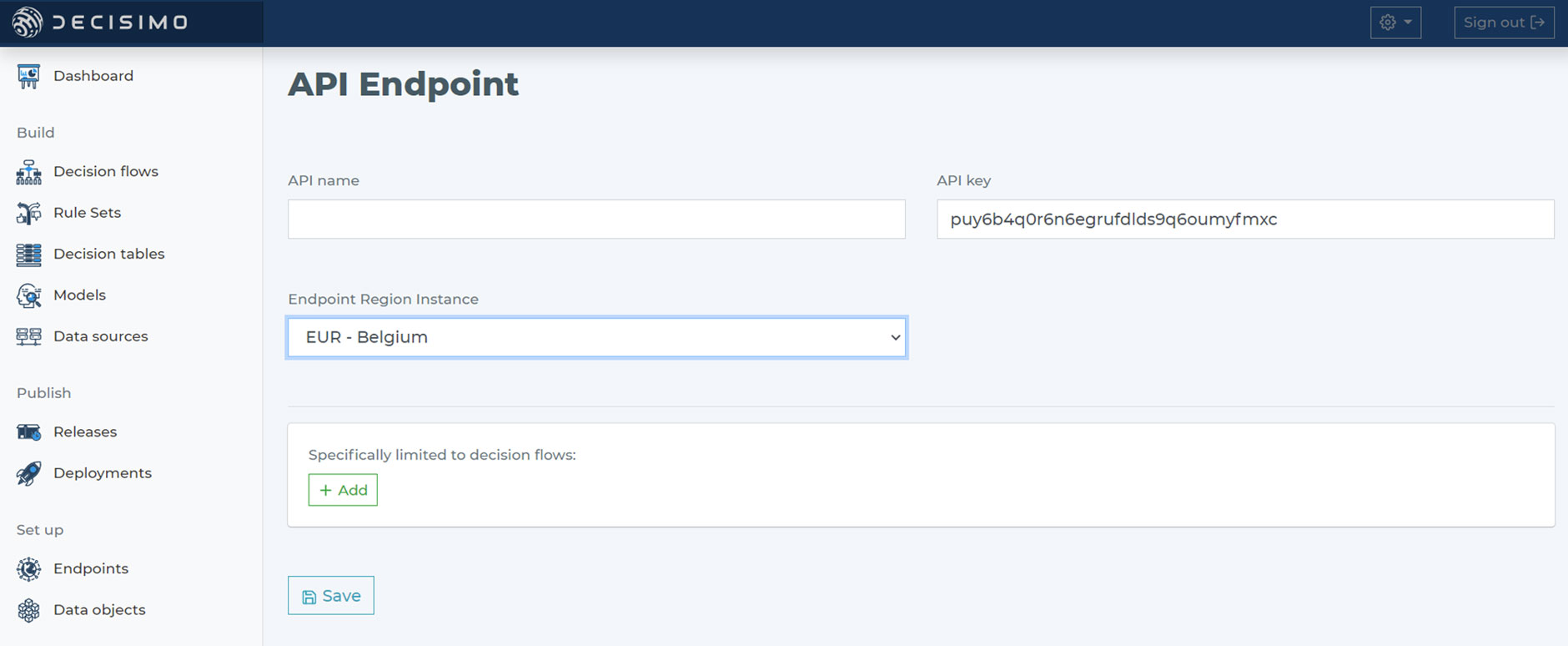
Selecting instance region
- When you choose an endpoint region for the API endpoint, base the choice on data privacy and protection rules. The instance is where your API endpoint will be established.
You can create as many endpoints as you need in different regions.
3.
Testing endpoint
- Because you can create multiple endpoints, create separate ones for testing and production. Before you deploy a new decision flow to production, test it on the testing API endpoint with your preferred tool, such as Postman or SoapUI.
4.
Request and Response payload
- Decisimo API endpoints consume JSON input sent with the POST method. The response is also JSON. It returns the same JSON, enriched or changed within the decision flow.
5.
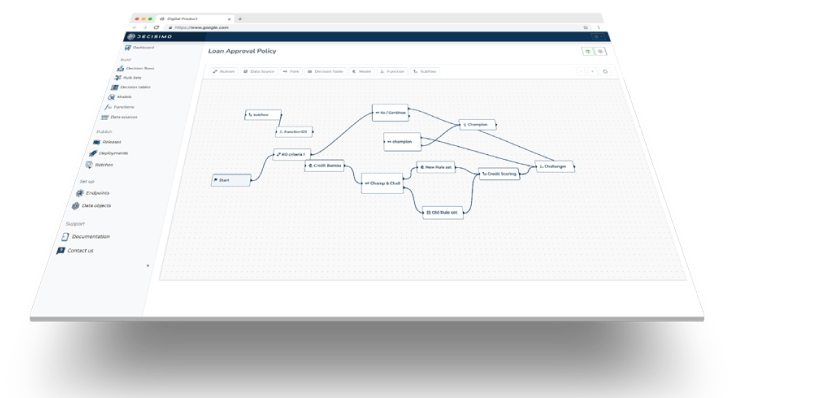
Deploy your decision flow
- Build your first decision flow and deploy it to your endpoint to start automated decision making.
Related Articles
-
Automating Business Lending Approval with Retool and Decisimo
This guide shows how to connect Retool and Decisimo to automate business lending approvals. It covers setting up a Decisimo endpoint, building a Retool application form, calling the decision API, storing the result, and showing the outcome to the user.
-
How to test a decision table properly
Start by defining the table’s purpose. Then iterate. Draft test cases from each condition and action, run them, verify the outcomes, and refine the decision logic until it behaves predictably. Use synthetic datasets and valid value ranges when missing results are acceptable, or use exhaustive, edge-case testing, manually or with a tool, when the table must always return a result.
-
How to Import a Trained Model into a Decision Flow
To use a trained model in Decisimo, first package it, then define how the engine should call it. The key is simple. The model must accept the right inputs, in the right order, with the right data types, so its predictions can feed the next step in your decision flow.
-
3-minute guide
This 3-minute guide shows how to connect Decisimo, configure decision logic, and test a release before it goes live. It walks through the setup in 3 steps, from API integration to production deployment, so you can start making decisions with a clear process.
-
Integrating external data sources into Decisimo
Decisimo lets you bring external data into decision logic without changing your flow. This article covers 3 integration paths: REST API, ready-made templates, and a forthcoming data marketplace, along with how each one works and what gets added to your data object.